Introduction
Spec-driven development for enterprise codebases
What is Potpie
Potpie's proprietary knowledge graph enables agents to understand your codebase in the depth required for complex multi-hop reasoning across components for debugging, refactoring, and other advanced tasks.
The spec-driven development workflow prioritizes upfront planning to define clear requirements and architecture so the code fits right into your codebase.
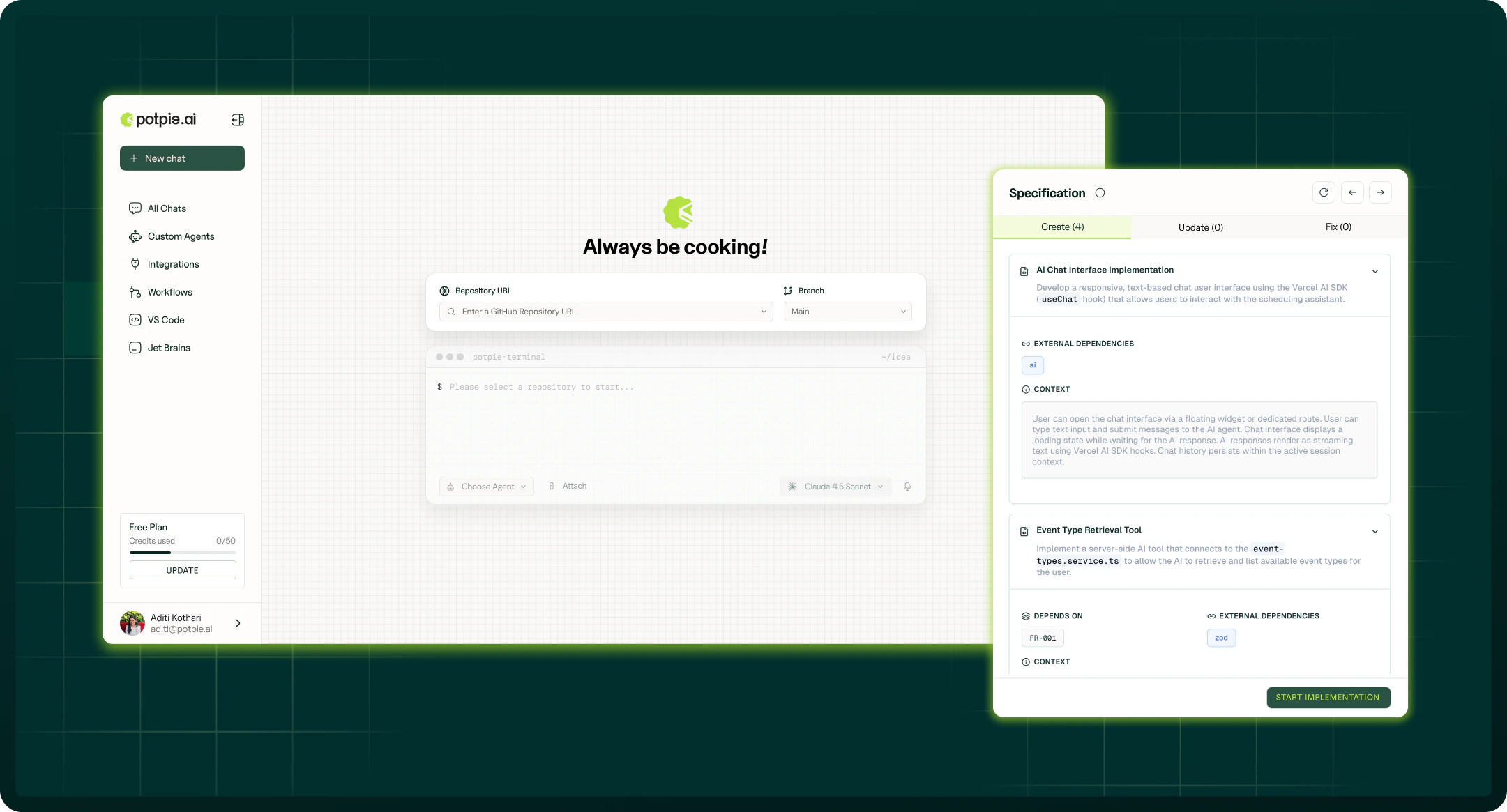
Index a branch to generate a project context. Potpie builds the knowledge graph and does the rest.
Start your 5-minute quickstart journey →
Beyond the knowledge graph, Potpie also maintains a broader context graph — project decisions, source history, ownership, and integration data that agents can query through the CLI.
The problem
AI coding assistants are only as good as the context they're given. Most tools operate on flat context — whatever you paste, or whatever fits in a context window. That means:
- The agent rediscovers your architecture from scratch on every task
- It misses conventions, ownership, and prior decisions buried in PRs and tickets
- It patches symptoms because it can't trace a problem to its true origin
- Nothing an agent learns in one session carries to the next
How Potpie solves it
Potpie holds your project context once, keeps it fresh, and exposes it through a small, stable CLI surface that both humans and agents use:
- Knowledge Graph — the code-structural layer: every function, class, and dependency as a navigable, semantically searchable node
- Context Graph — the broader project-memory layer: decisions, history, ownership, prior bugs, and integration data
- Agents — Ask, Build, Debug, and Spec, all grounded in the same graph
A complete scenario
Here's what working with Potpie looks like end-to-end — from zero to a shipped fix.
1. Install and set up (Quickstart):
2. Confirm everything is ready:
3. Understand before changing — ask how something works:
4. Let an agent make the change — your coding harness (Claude Code, Cursor, etc.) is already wired to Potpie. See Build a Feature.
5. Capture what was learned so the next task starts smarter:
potpie record --type decision \
  --summary "Session TTL is centralized in config.py; don't hardcode per-route"
Next steps
-
Quickstart
Set up Potpie and connect your first repository in three steps.
-
Knowledge Graph
Understand how Potpie builds a navigable model of your codebase.
-
CLI Reference
Every command, flag, and subcommand.
-
Tutorials
Hands-on walkthroughs with real output.