Potpie
Spec-driven development for enterprise codebases — turn your repository into a living context graph for AI agents.
What is Potpie
Potpie's proprietary knowledge graph enables agents to understand your codebase in the depth required for complex multi-hop reasoning across components for debugging, refactoring, and other advanced tasks.
The spec-driven development workflow prioritizes upfront planning to define clear requirements and architecture so the resulting code fits cleanly into your codebase.
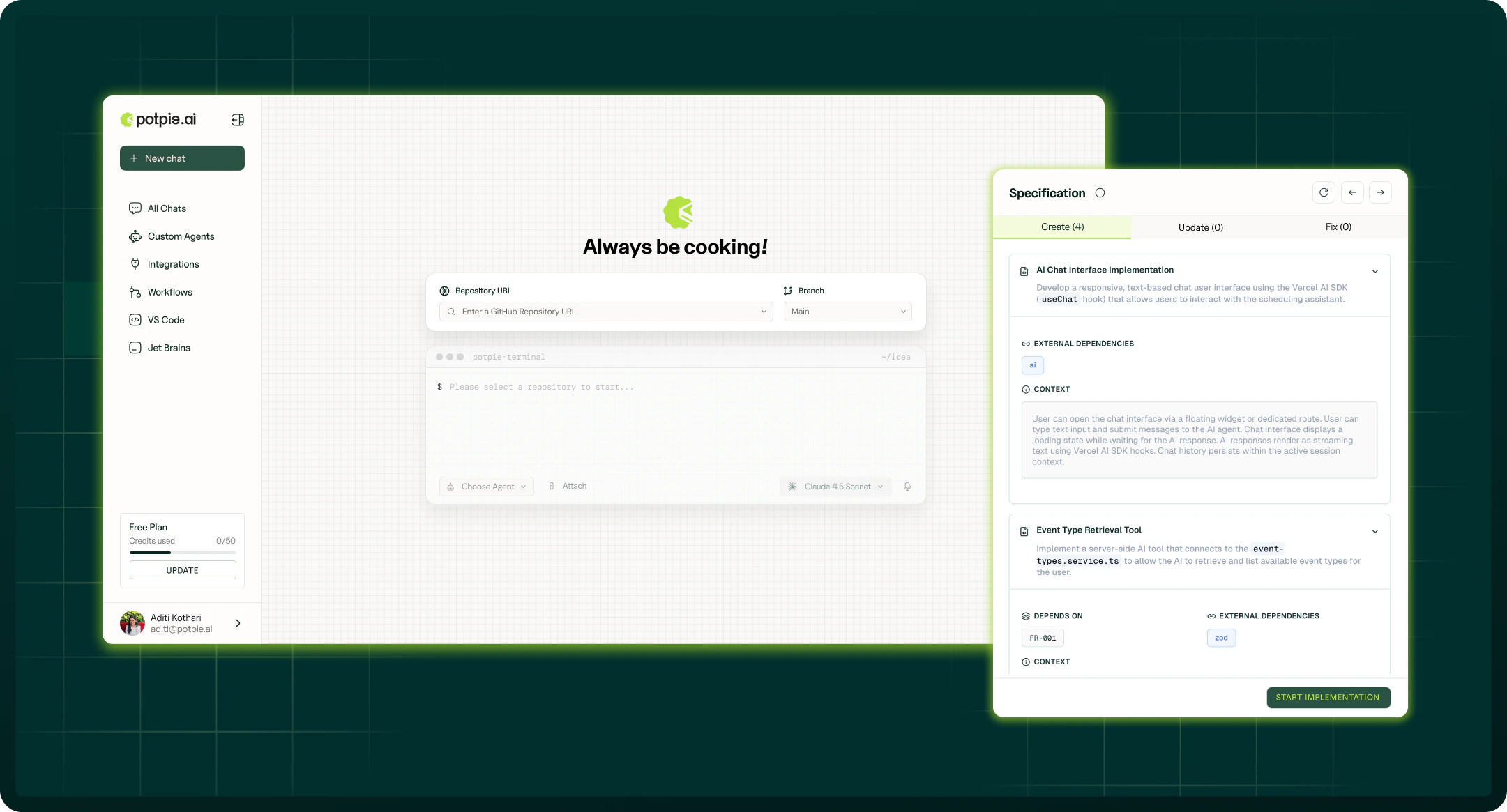
Index a branch to generate project context. Potpie builds the knowledge graph and does the rest.
Next steps
-
Introduction
What Potpie is, the knowledge graph, and spec-driven development.
-
Quickstart
Install the CLI and set up your first project in under 3 minutes.
-
Context Graph
Project-memory layer: decisions, history, ownership, and integrations.
-
Knowledge Graph
Code-structural layer: AST-parsed nodes, semantic embeddings, and graph queries.
-
CLI Reference
Full command reference — setup, integrations, graph workbench, skills, and more.
-
Prebuilt Agents
Ask, Build, Debug, and Spec — four agents powered by your graph.
Install in one command
Then run:
Index a branch to generate project context. Potpie builds the knowledge graph and does the rest.
Why Potpie?
Most AI coding tools operate on flat file context — they read what you paste or what fits in a window. Potpie is different:
| Flat context | Potpie context graph | |
|---|---|---|
| Scope | Current file + paste buffer | Entire codebase + decisions + history |
| Structure | None | Functions, classes, dependencies as graph nodes |
| Semantics | Raw text | LLM-generated descriptions, tags, embeddings |
| Memory | Session only | Durable across agent sessions |
| Agent support | Manual prompt stuffing | Purpose-built query and traversal API |
Integrations
-
GitHub
Repos, PRs, issues, reviews, source history
-
Linear
Teams, issues, projects, documents
-
Jira
Projects, issues, status, changelog
-
Confluence
Spaces, pages, runbooks, decisions
Coding harnesses: Claude Code · OpenAI Codex · Cursor · OpenCode